What to put on your link in bio page (and what to cut)
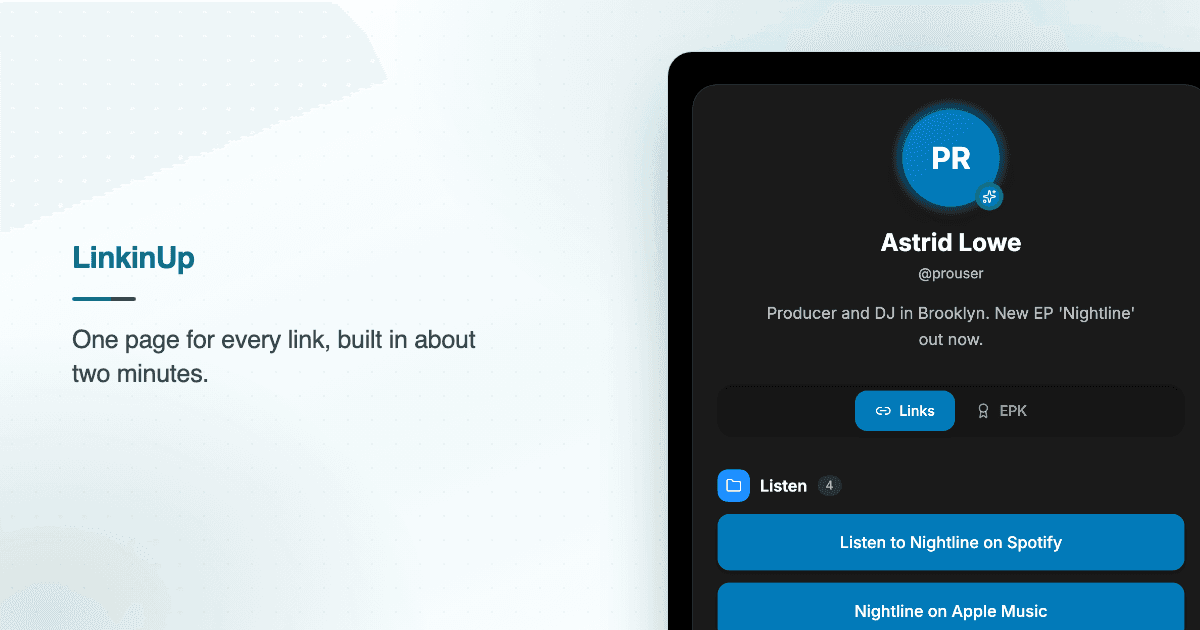
The most common mistake on a link in bio page is treating it like a sitemap. Everything you have ever made goes on, in the order you remembered it, and the visitor — who gave you about four seconds — picks nothing.
A link in bio page is not an archive. It is a single question: what do you want this person to do next? Everything that does not help answer it is costing you the thing that does.
Start with one link, not ten
Before you add anything, decide the one action that matters this month. Pre-save the single. Sell the preset pack. Fill the workshop. Get on the newsletter.
That link goes first, and it gets to look different from the others — a bolder colour, a larger button, its own row. The rest are supporting cast.
If you genuinely cannot choose, that is useful information: your audience cannot choose either.
What earns a spot
Four or five links is usually right. Past about seven, click-through on your top link starts falling, because you have turned a decision into a list.
- The one thing. Whatever you are actively pushing. Top of the page, visually distinct.
- Where your work lives. Spotify, YouTube, your shop, your portfolio — one canonical destination, not five variations of it.
- A way to stay in touch that you own. Email or SMS. Platforms change their algorithms; a mailing list is yours.
- Proof, if you are asking for money or a booking. A press kit, a reel, a testimonial page.
- Contact, if you want to be hired. Make it obvious rather than clever.
What to cut
- Dead links to abandoned accounts. A Twitter you have not opened since 2023 reads as "not maintained," and visitors generalise that to you.
- Duplicates. Three links to the same album on three services is one link plus a smart link.
- Anything seasonal that is out of season. The holiday pop-up in March is noise.
- "Link in bio" as a label. They are already here. Say what the thing is.
Write labels that say what happens next
"Listen to Midnight Drive on Spotify" beats "Music." "Book a 30-minute intro call" beats "Contact." The specific version tells someone what they are getting and filters out the clicks that were never going to convert anyway.
Keep them short enough not to wrap on a phone. Most of your traffic is on a 375px screen.
Order by intent, not by importance to you
People scan top to bottom and stop early. So the order is not "what I am proudest of," it is "what is most likely to be useful to a stranger who just found me."
A reasonable default:
- The one thing you are pushing
- Your main body of work
- Email or newsletter
- Everything else
Then look at what actually happened
Guessing is fine for the first version. After that, use the numbers. If your third link outperforms your first, that is not a curiosity — that is your audience telling you what they came for. Move it up.
LinkinUp tracks clicks per link and views over time, so you can see which labels earn attention and which ones just take up space. Check it after a week, change one thing, and check again.
A quick checklist
- One clear primary action, visually distinct
- Five links or fewer
- Labels that name the outcome
- No dead accounts, no duplicates
- A photo and one line that says who you are
- Reviewed against your click data, not your instincts
That is most of it. The hard part is not adding — it is deleting.
If you want somewhere to put this into practice, you can build a page in a couple of minutes, or read about the press kit musicians actually send if you are pitching venues and press.